When you click on links to various merchants on this site and make a purchase, this can result in this site earning a commission. Affiliate programs and affiliations include, but are not limited to, the eBay Partner Network.
1968 Oldsmobile Toronado Assembly Production Manual
Note: If you are receiving any kind of request for access to my google drive. Please send me a text message and I will resolve it. David Threet 918-855-0047
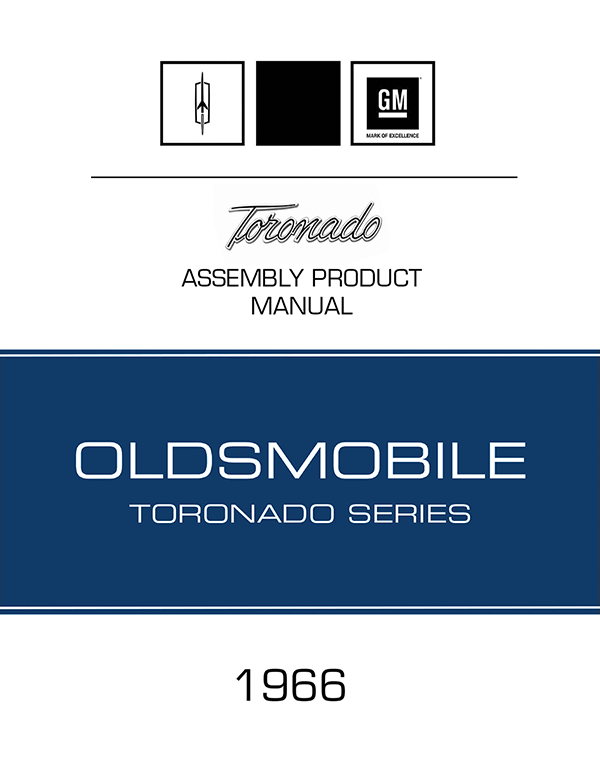
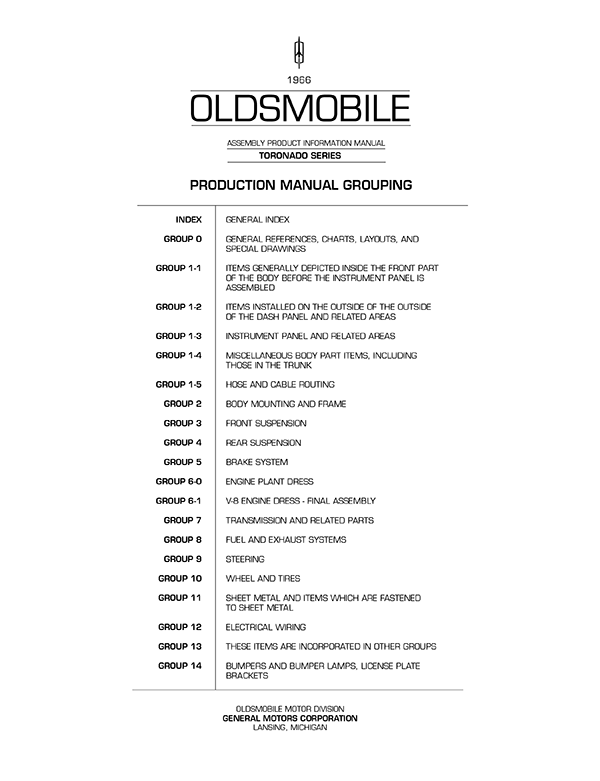
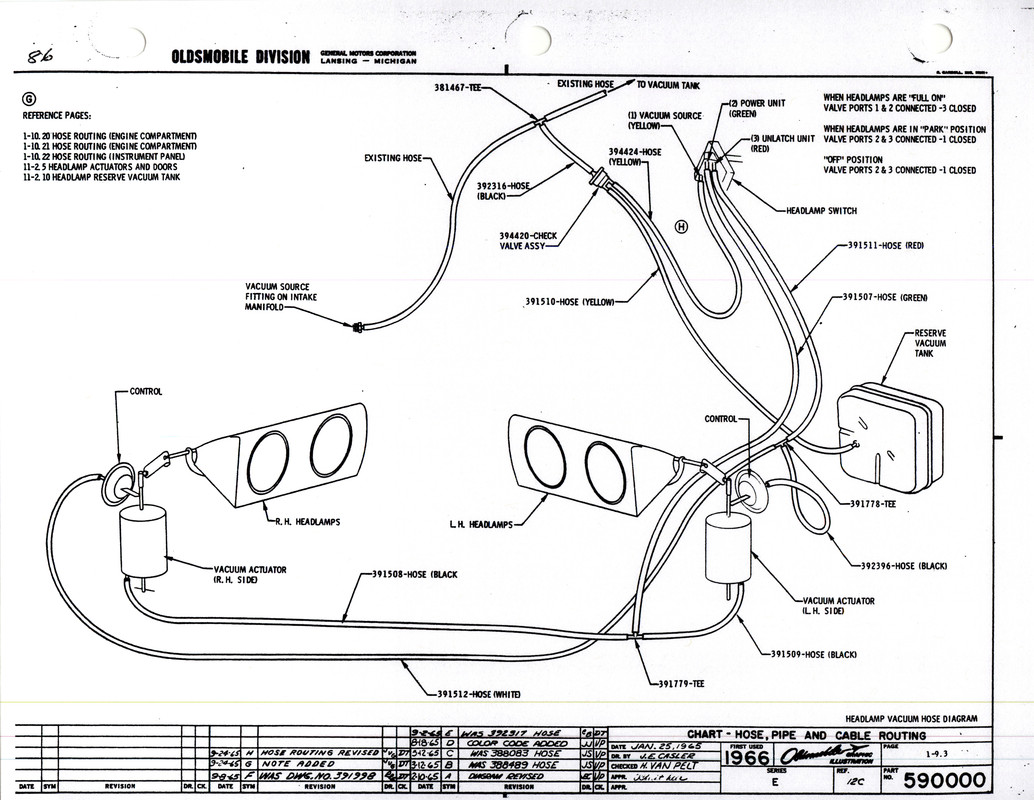
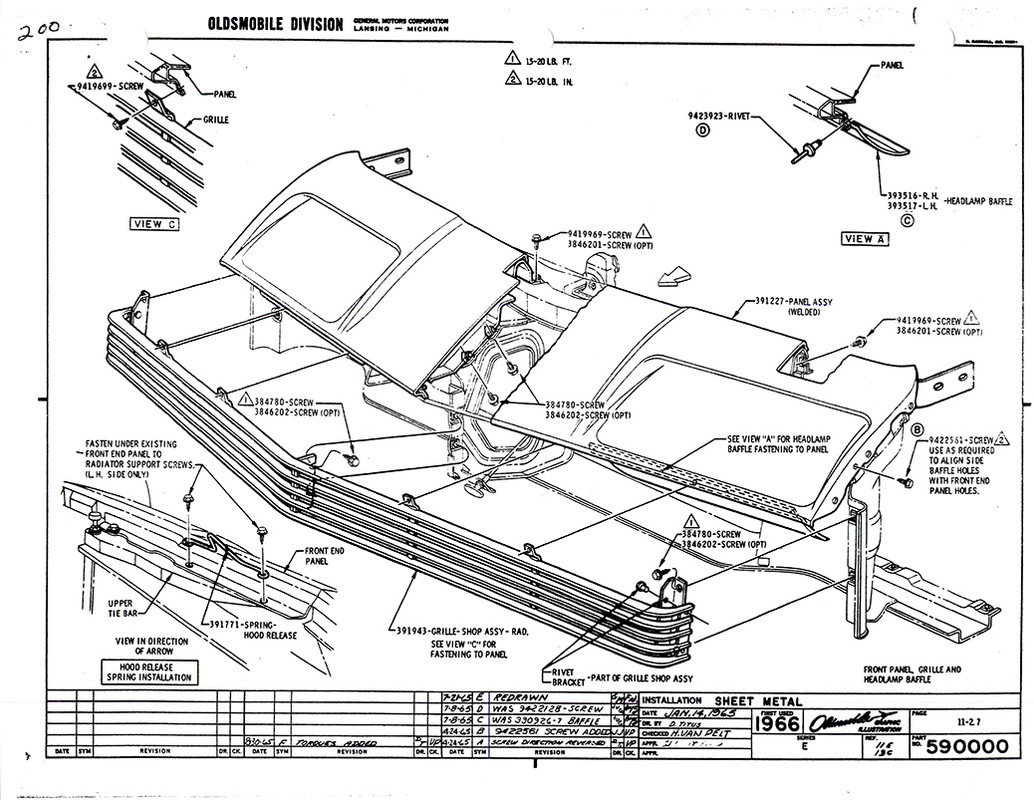
I am really excited to present you with the 1966 Oldsmobile Toronado Production Assembly Manual. This should be extremely useful to all 1966 Toronado owners, first generation owners, and people who appreciate the engineering. I have created my own front/back cover, hyperlinked table of contents, and header pages. I have spent allot of enjoyable time making this looked as polished as possible. Quality is very important to me so if you are going to print any of these manuals using a laser printer. Please download the High-Resolution Version. It will print nice, sharp, and clear. The compressed versions will not print very well… It will make a very nice addition to your Toronado’s documentation. Please let me know of any errors you find and enjoy…
I would like to thank Lynn Davis from Topeka Kansas who I was able to acquire these from. His copies originate from Miss Oldsmobile herself… Helen Jones Every, the author of “Setting the Pace” 100 years of Oldsmobile. She worked for Oldsmobile in Lansing for 46 years. Thanks to her passion for Oldsmobile and leaking these wonderful rescores to us…
You can get the file to d/l. I was able to d/l the file, but it requires a bit of a trick. Do exactly as stated in this video - BE QUICK with the F5 + Right Mouse Click - noting (paying attention to the download breadcrumb/icon). The file is 334MB. This is called a stack overload condition from a Web application point-of-view. It won't change unless the owner of the file makes changes to it. However, follow what I suggested, just a little trickery.
If you see the following in your Browser, you've successfully managed to override the stack overload condition and the file download button will appear, click on the file download button and the d/l will begin.
The screen you see after you successfully hit BOTH the F5 + Right Mouse Click will depend ENTIRELY on which Browser and which Browser version you are using. In any case, click to download the file whether that be a button or a dialogue.
You can get the file to d/l. I was able to d/l the file, but it requires a bit of a trick. Do exactly as stated in this video - BE QUICK with the F5 + Right Mouse Click - noting (paying attention to the download breadcrumb/icon). The file is 334MB. This is called a stack overload condition from a Web application point-of-view. It won't change unless the owner of the file makes changes to it. However, follow what I suggested, just a little trickery.
If you see the following in your Browser, you've successfully managed to override the stack overload condition and the file download button will appear, click on the file download button and the d/l will begin.
Thank you for the help with this. I have a Mac and a track pad, so what I had to do was hold down the Command and F5 keys while I clicked the refresh button. It took 5-6 attempts before it "caught" but it worked
Thank you for the help with this. I have a Mac and a track pad, so what I had to do was hold down the Command and F5 keys while I clicked the refresh button. It took 5-6 attempts before it "caught" but it worked
Brilliant. Glad you caught on. Yeah, I didn't really have the time to accommodate how to do this via a Mac, laptop, Windows, track pad, notebook, notepad, Browser type/version, etc. They're all variables to negotiate but anyone who knows the purpose of the F5 + Mouse Right Click functions should be able to negotiate the process.



 1966 Toronado Assembly Manual