When you click on links to various merchants on this site and make a purchase, this can result in this site earning a commission. Affiliate programs and affiliations include, but are not limited to, the eBay Partner Network.
Yesterday I installed the new version of Edge on my laptop, today I uninstalled it. While it works faster than the old edge, it also has many bugs in it and its not compatible with some sites including this one. If your planning to upgrade I'd wait a while.
I generally use Firefox but I just opened Edge and Edge is working fine on Windows 10 Version 1909 (OS Build 18363.592). I'm using Edge Version 44.18362.449.0
There's a cumulative update for Windows 10 available which was just released so it probably contains a newer version of Edge. It will take me a spell to d/l & install. I'll get back.
I'm still running the same OS Windows 10 Version 1909 (OS Build 18363.628) but I upgraded to Edge 8 (Chromium) Version 80.0.361.48 (Official build) (64-bit) - it runs like a champ.
I'm curious, however. I do not have any version of Google Chrome running on my system.
Google Chrome is an open-source Chromium based Browser. Since Microsoft has now re-written its Edge Browser on the open-source Chromium platform (which shares the same basic open-source code platform as Google Chrome) there's a chance you 'might' have an issue of compatibility running both Google Chrome and Microsoft Edge (if you have both installed) - this is just a SWAG. Something to consider though since often times new releases which overlap don't always see eye-to-eye.
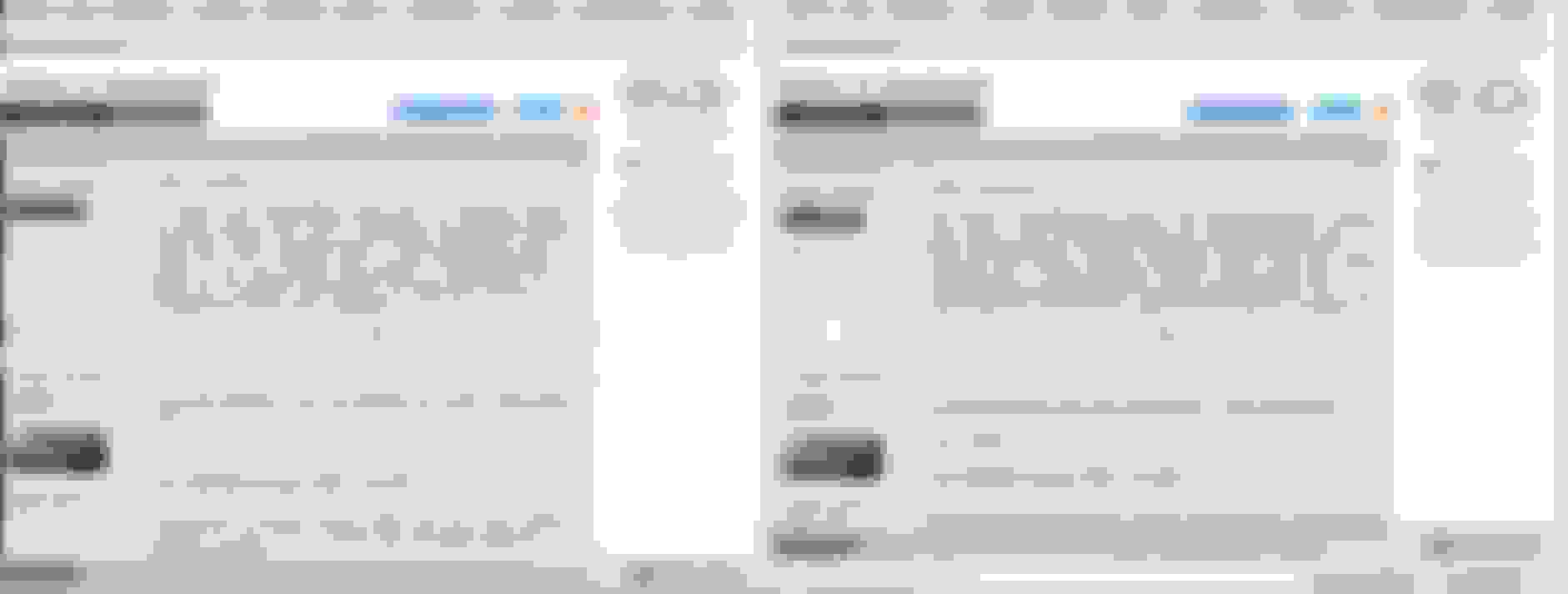
I might dig deeper but it's of no consequence for me. This screen-shot I took has Edge 8 loaded on the LH-side & Firefox on the RH-side. From a rendering perspective, Edge 8 has less depth than Firefox. Firefox has always been very fast, the evolution of IE>Edge was misguided for Microsoft. At any rate, the rendering between Edge 8 & Firefox is dissimilar, but Edge 8 is running blazing fast for me on CO. The uploads to CO are blazing fast on Edge 8 - I mean blazing fast.
On my HP laptop, it would not run CO correctly. Normally when a thread is read it notes it in the forum page as a lightened print to designate it was read, it did not do this with the new version. I'm talking about this one. https://www.microsoft.com/en-us/edge...200211060930:s
What you're referring to is a page Refresh. I perform the same operation when viewing/reviewing new posts which I have already read to distinguish those I have read from those which I have not. It's working flawlessly for me (see image below). And, yes that is the website in which end-user's are able to d/l the new Edge 8 Browser - same as I installed.
Ensure we're comparing apples-to-apples. Are you running the same OS version as me? Right-Click the Start Menu (image below), Click to Open PowerShell when PS opens, type "winver" (w/o the quotes) & hit Enter. This will yield your current OS version (build). I already noted which OS version I am running (above). Then open Microsoft Edge, click the Three dots (top RH of Browser), Go To 'Settings', Click 'About Microsoft Edge' (bottom of list) & view which Version you are running. I've noted which Version I am running (above). If you're running Windows 10 did you d/l & install the latest Cumulative Update?
To ensure you have the latest & greatest OS version (with all Updates), force the OS to grab the most recent Updates. Right-Click the Start Menu (image below), click on 'Settings', click on 'Update & Security', click on 'Check For Updates'.